
Knowledge Library
Driver topics made easy to understand
Browse clear educational guides about software drivers and how printers, audio devices, graphics, USB, network, Bluetooth, chipset, storage and other hardware work with your computer.
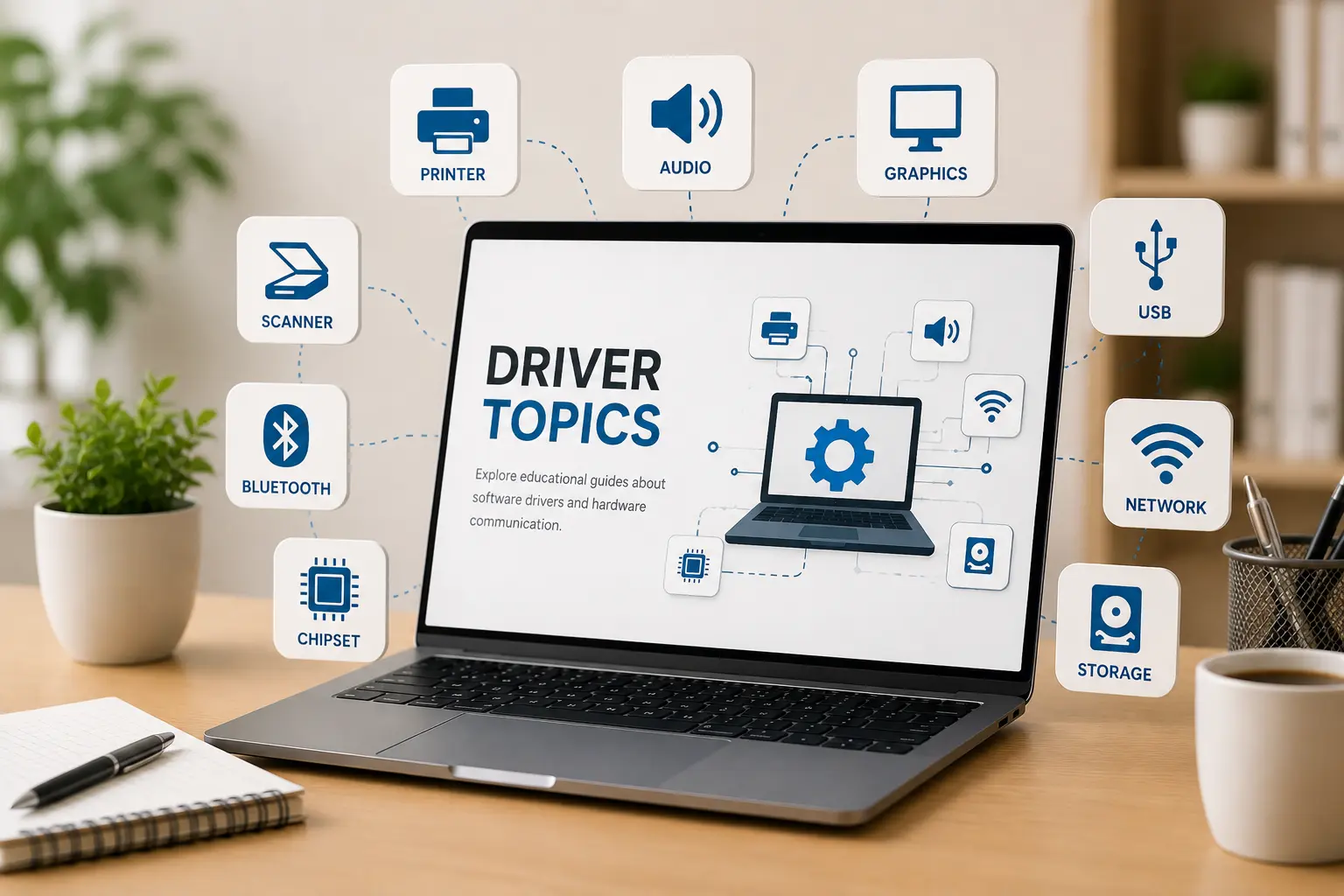
Driver topics
14+ Guides
14+
Driver categories explained in simple words.
Easy
Simple topic flow for beginner learning.
Clear
Understand hardware and operating system communication.
Driver learning topics
Featured driver guides
Explore educational topics that explain how different computer drivers support device communication and hardware behavior.
All driver guides
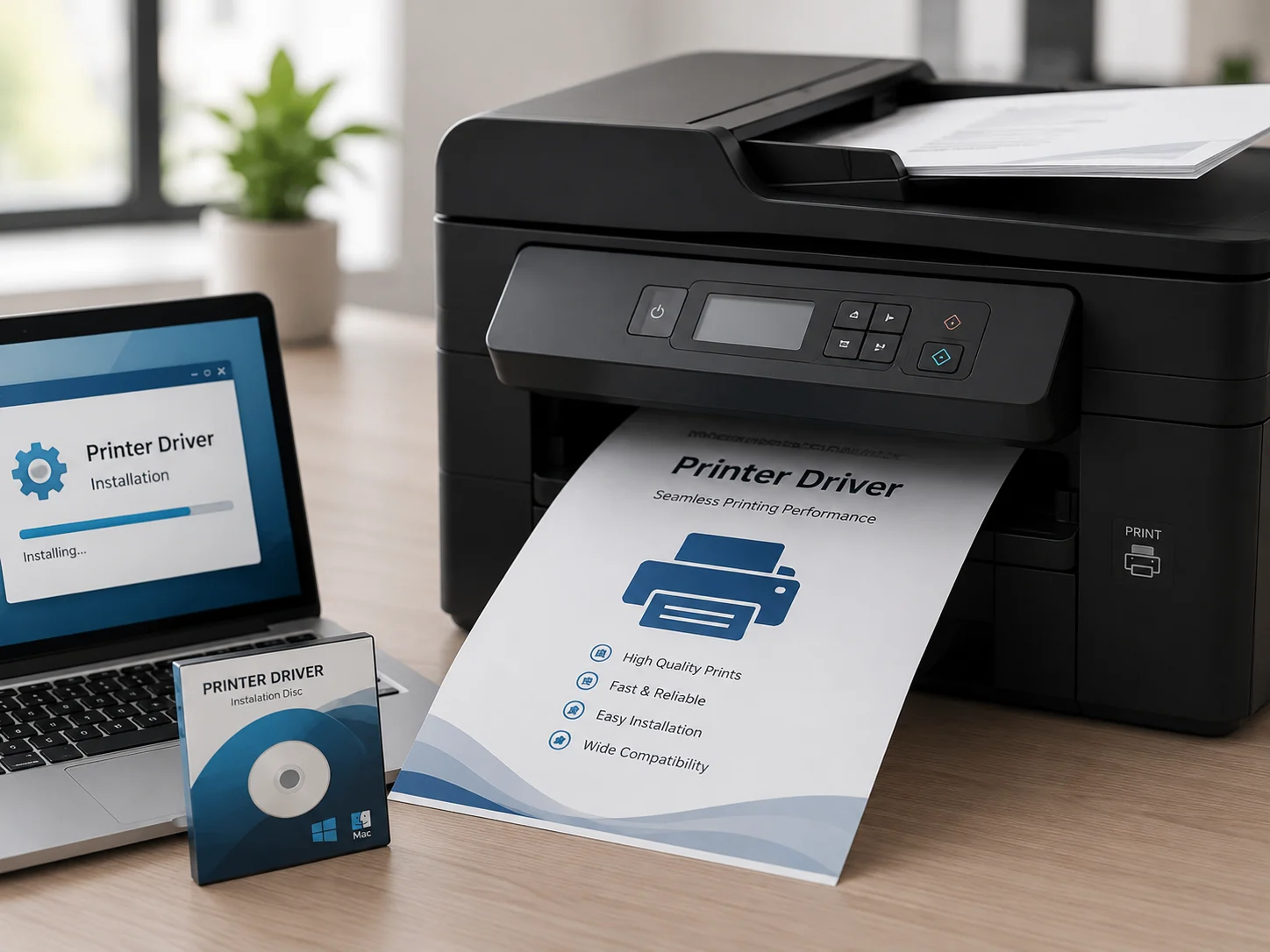
View all topicsPrinter drivers act as the essential translator between your PC and printing hardware. They convert digital documents into a language the printer understands.
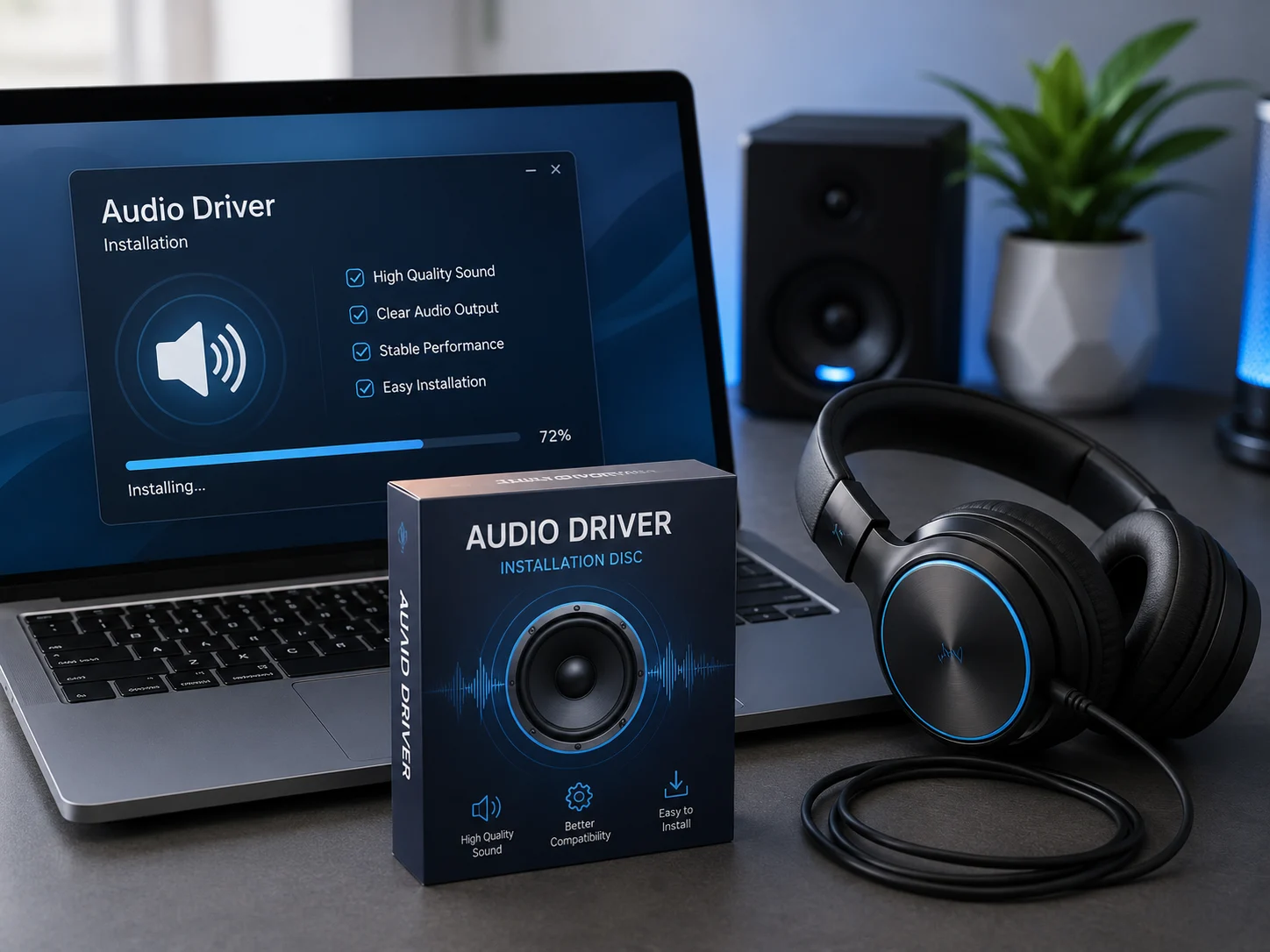
Audio drivers manage communication between your operating system and sound hardware, including speakers, microphones, and sound cards.
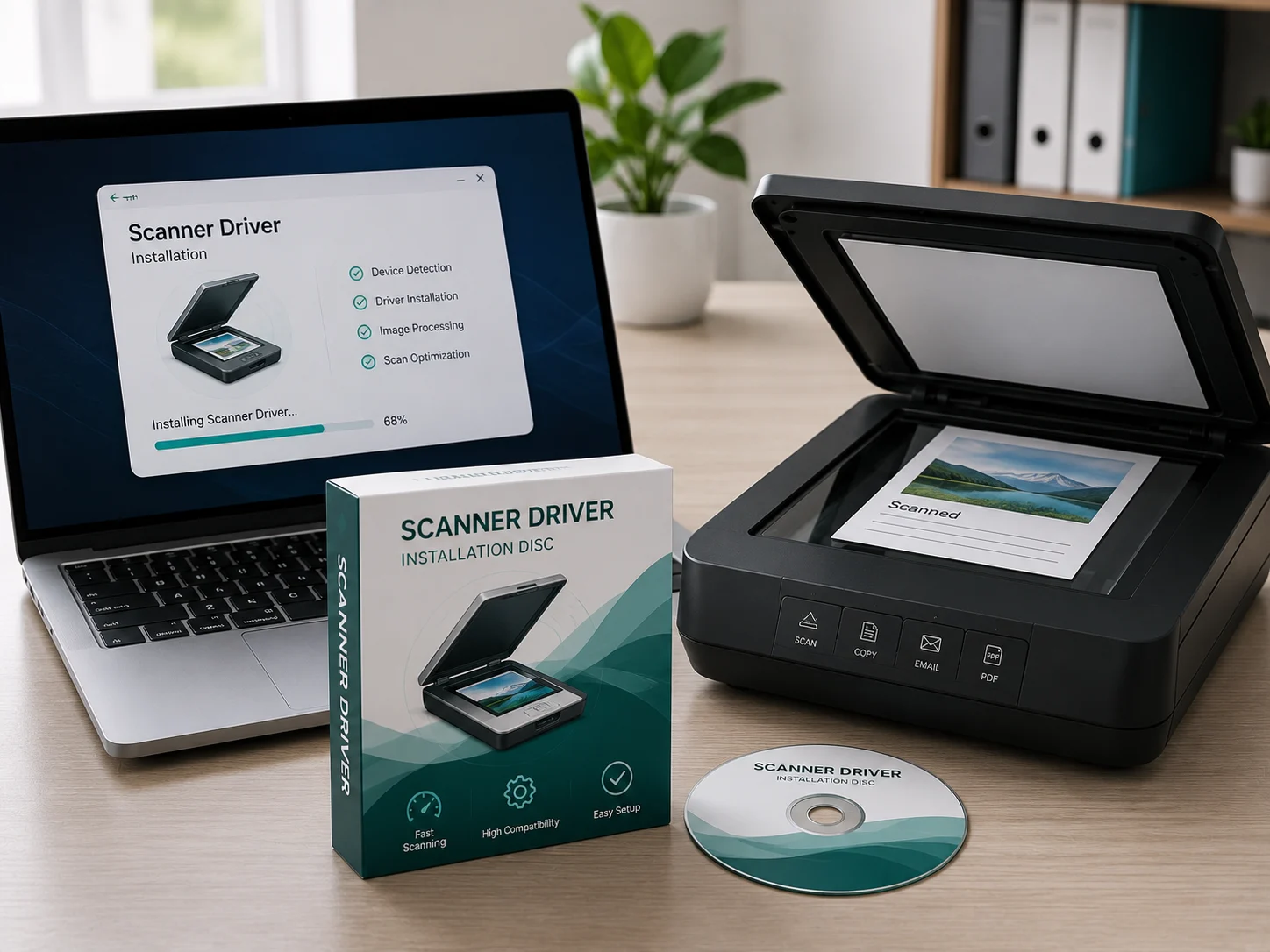
Scanner drivers allow your computer to communicate with scanning hardware and convert physical documents into digital data.
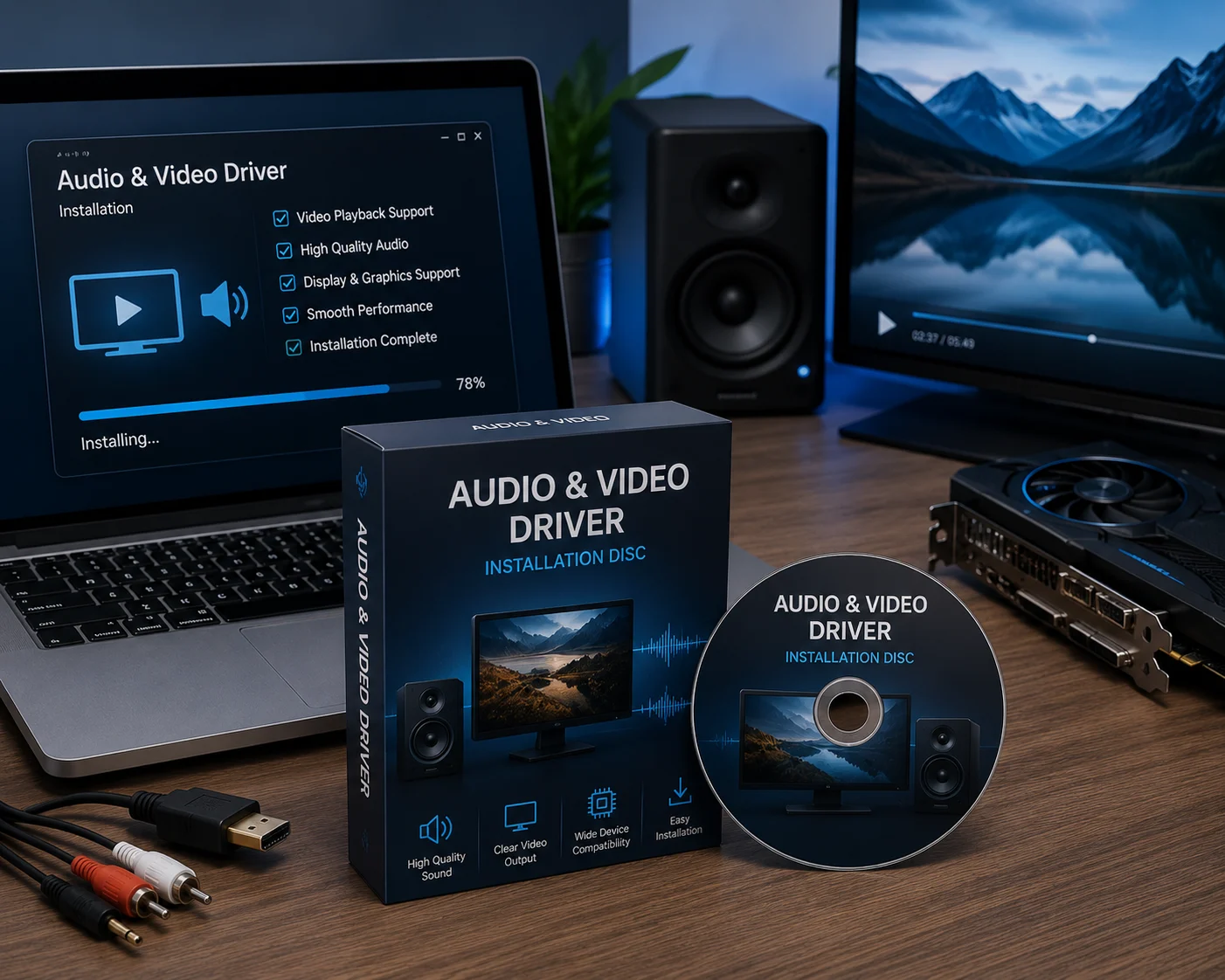
Integrated audio and video drivers coordinate media playback, display output, and sound synchronization.
Graphics drivers manage screen resolution, refresh rates, display output, and visual performance for your system.
Network drivers help your computer connect through Wi-Fi or Ethernet and manage stable data communication.
Bluetooth drivers manage wireless communication between your PC and devices like headphones, keyboards, and mice.
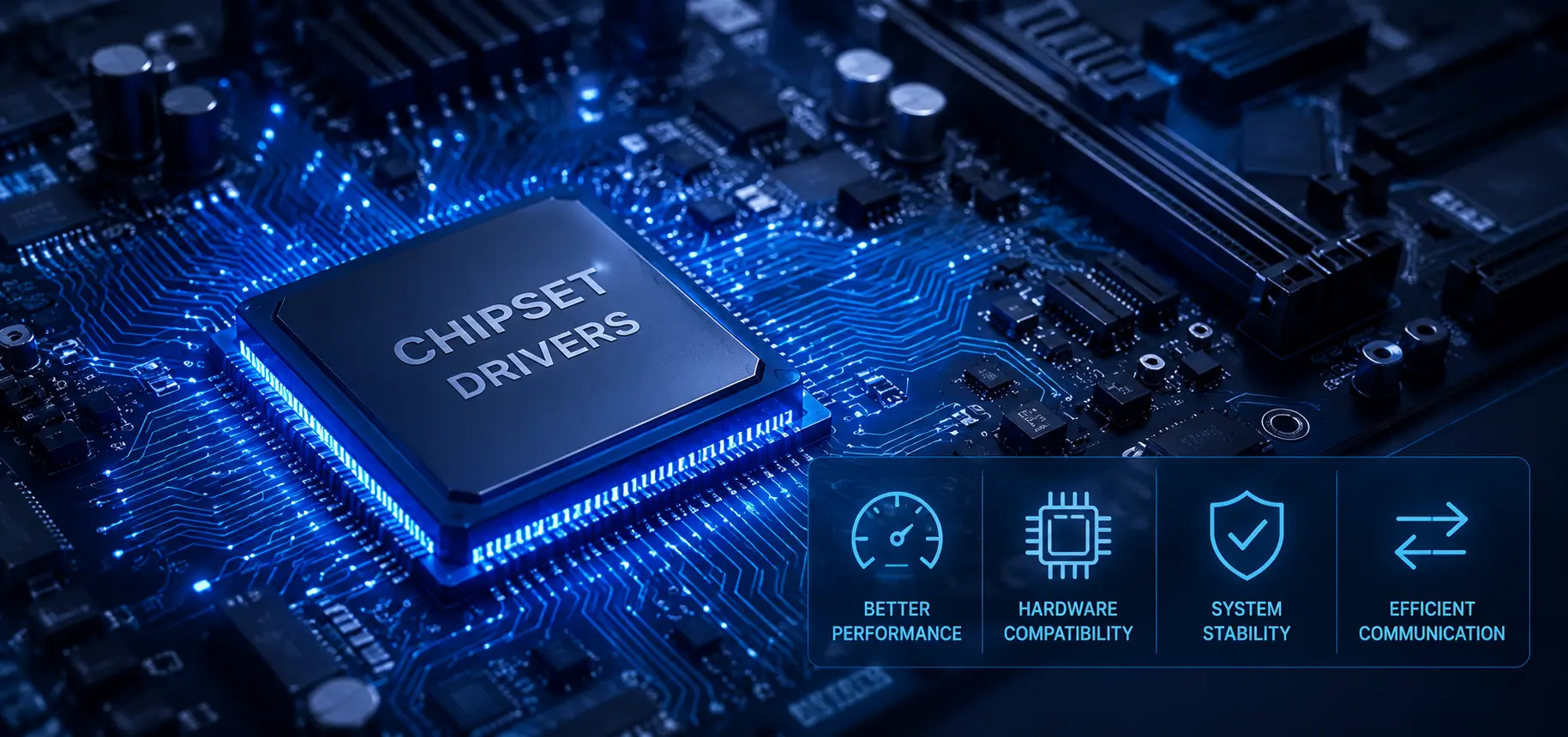
Chipset drivers manage communication between CPU, memory, motherboard controllers, USB ports, and other system components.
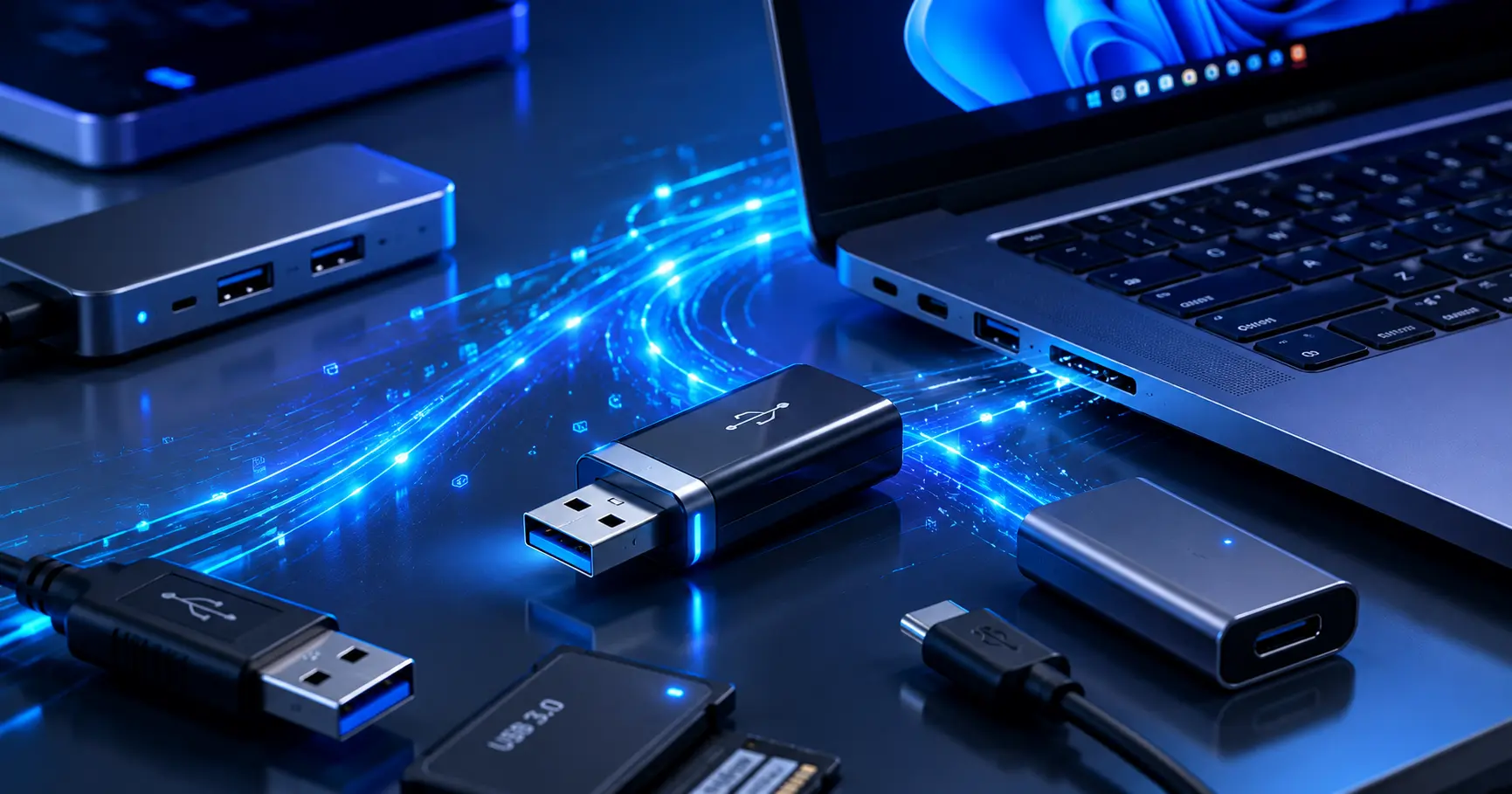
USB drivers help external devices communicate through USB ports for data transfer, recognition, and power handling.
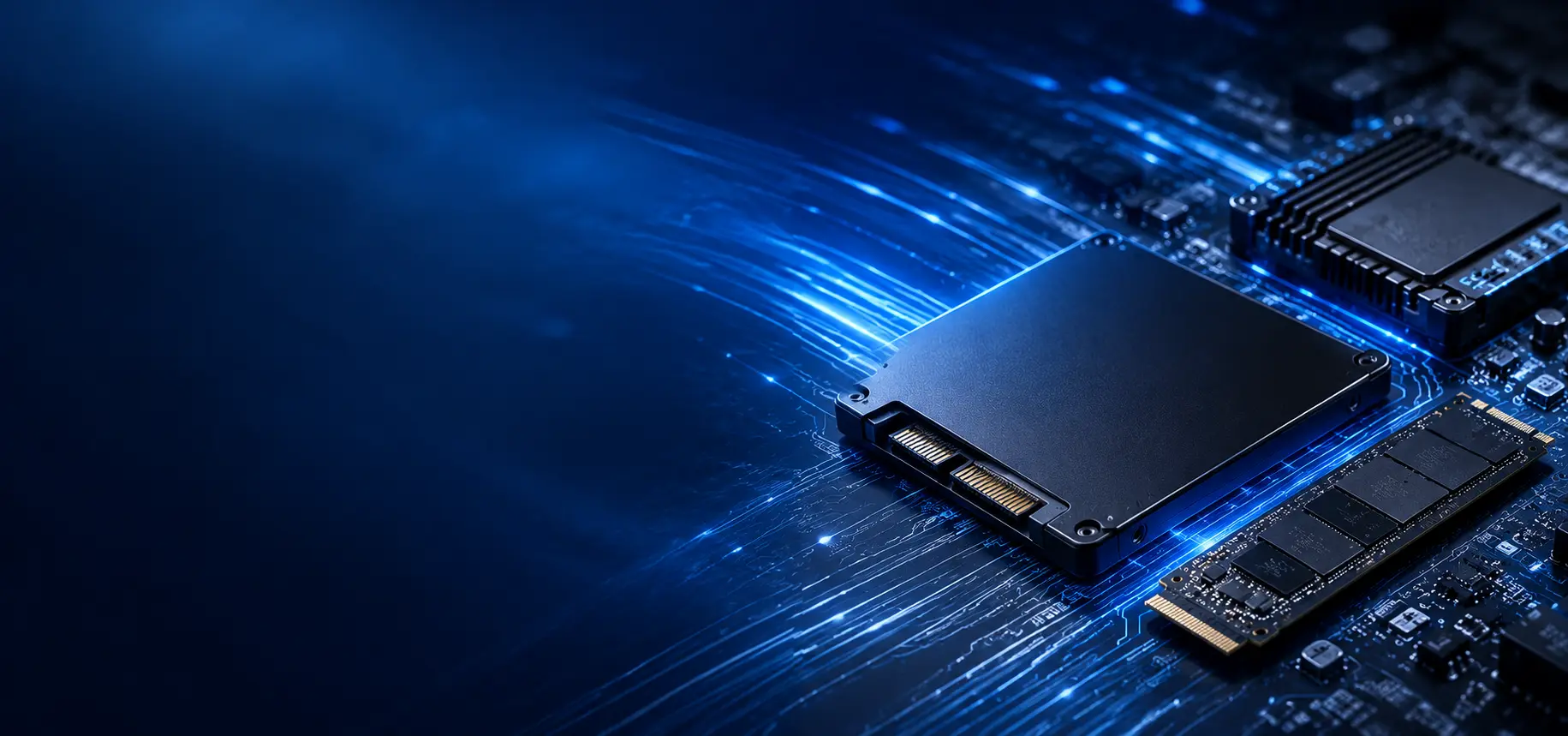
Storage drivers support SSDs, hard drives, and storage controllers for reading, writing, and system boot behavior.
Webcam drivers manage camera input, video capture, image settings, and app communication for video usage.

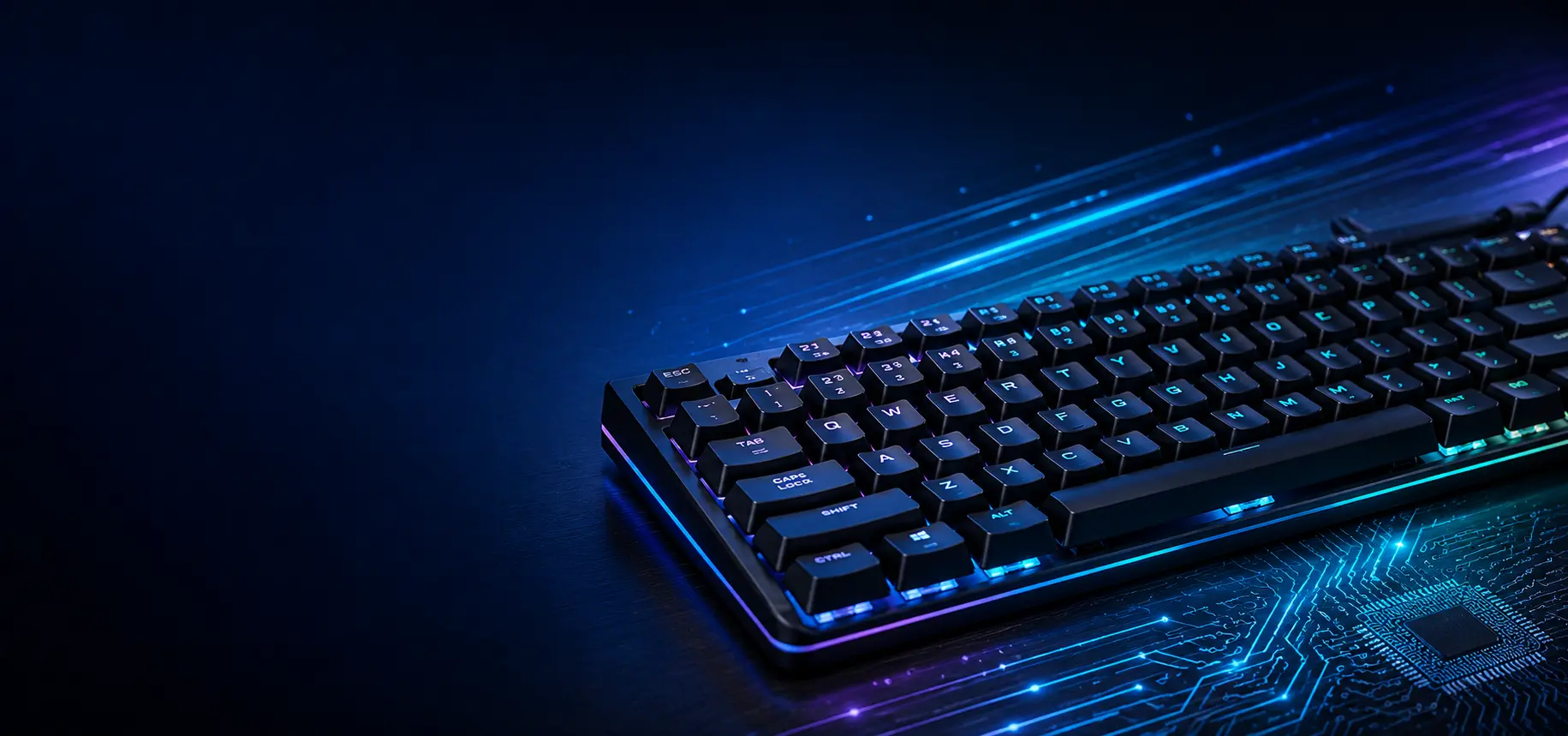
Keyboard drivers translate key presses into digital commands and support special keys or keyboard features.
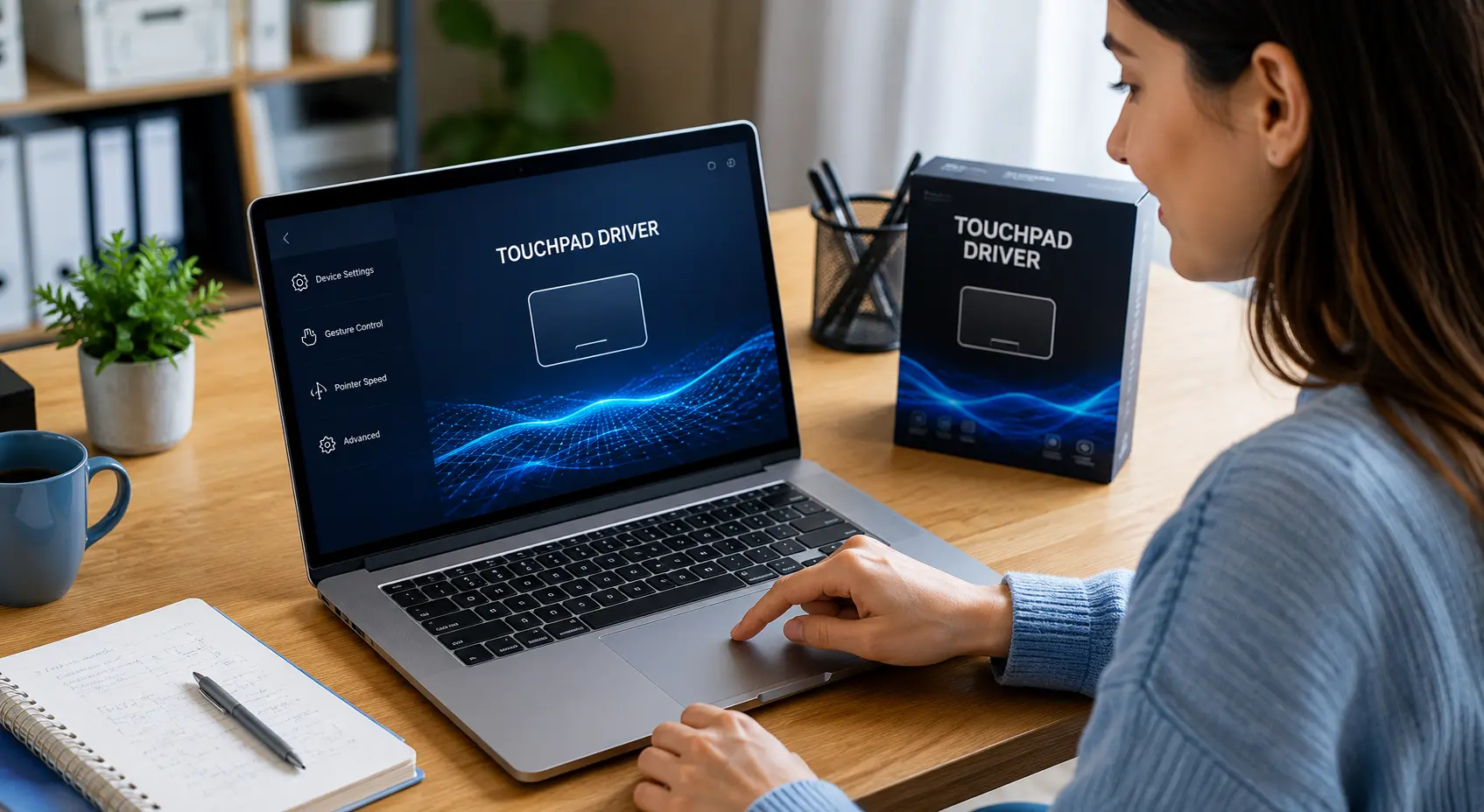
Touchpad drivers enable cursor movement, scrolling, gestures, palm rejection, and laptop navigation features.
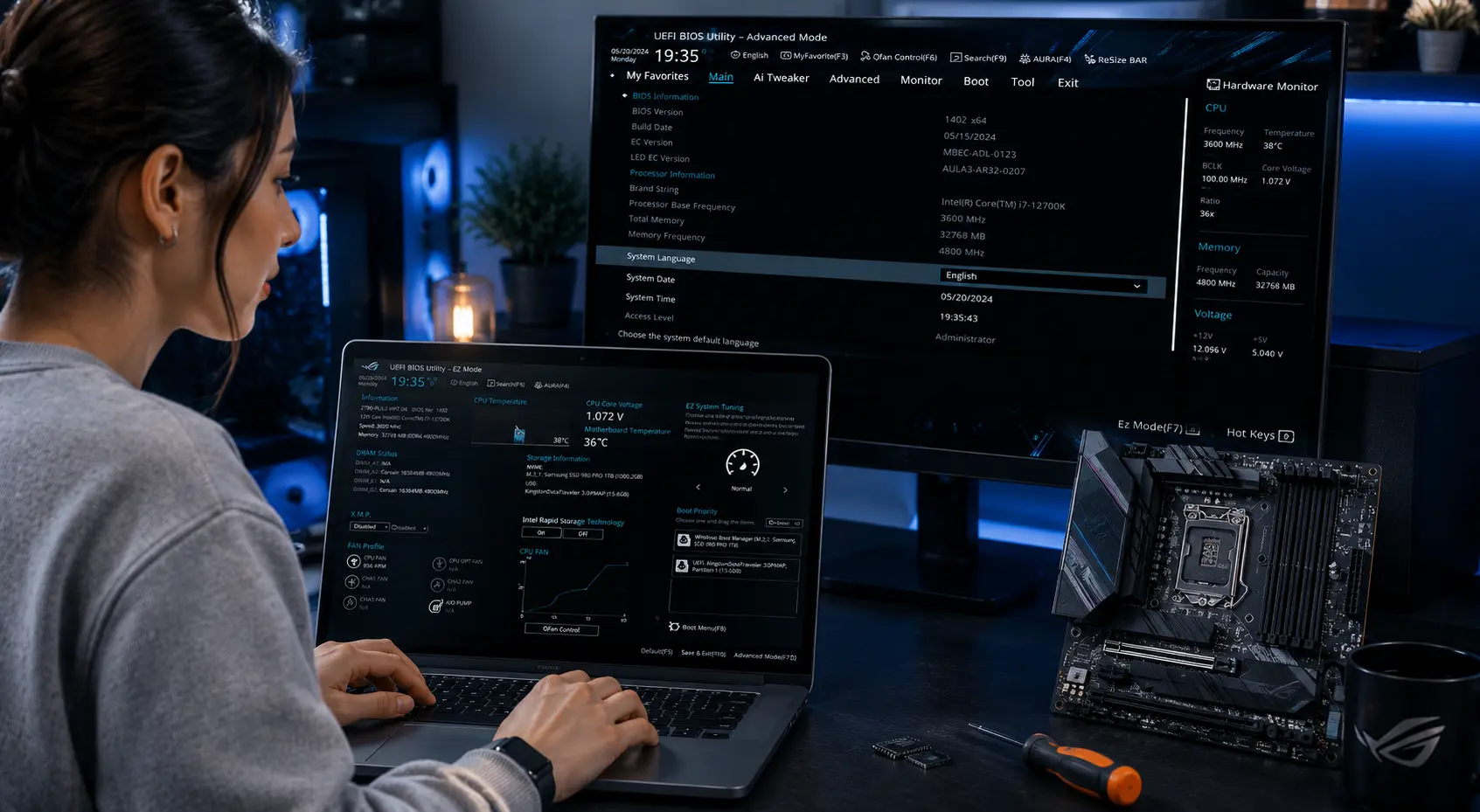
BIOS and UEFI initialize hardware when your computer starts and prepare the system before the operating system loads.
Topic Preview
Explore common driver areas
Learn what different driver categories do and how they support computer hardware communication.
Device Output
Printer, audio, scanner, webcam, and display-related learning topics.
Connectivity
WiFi, Ethernet, Bluetooth, USB, and connected device communication basics.
System Hardware
Chipset, storage, BIOS, UEFI, and motherboard-level driver concepts.
Input Devices
Keyboard, touchpad, mouse input, gestures, and basic control behavior.
Learning Path
Understand drivers step by step
Choose Topic
Select a driver category such as printer, audio, USB, Bluetooth, chipset or storage.
Read Concepts
Learn the meaning, purpose, and role of that driver in simple language.
Understand Role
See how hardware devices and operating systems communicate through driver software.
Explore More
Move to related driver topics and build your understanding step by step.